

How Long Does Eufy Local Storage Actually Last? (By Model, 2026)
Eufy’s HomeBase 3 holds about 90 days of 4K footage for one camera on its built-in 16GB — less with more cameras or busier scenes. A cheap SATA drive expands retention to years.
Published 28 September 2026 · Updated 28 September 2026
AbodeAlly Editorial Team
Disclosure: This article currently contains no affiliate links — nothing here earns us a commission. If that changes, we’ll say so.
Key Takeaways
- HomeBase 3’s built-in 16GB holds ~90 days of 4K footage for one camera at normal activity — eufy’s own figure.
- More cameras, higher resolution or busier scenes cut retention proportionally: 4 cameras ≈ 22 days, 8 cameras ≈ 11 days.
- When storage fills, oldest clips auto-overwrite — recording never stops, but you lose history.
- A 1TB SATA drive expands a 4-camera 4K setup to years of retention; the HomeBase 3 accepts up to 16TB.
- Indoor cams and doorbells use on-device microSD (up to 128GB) instead of the HomeBase — check your model’s storage type.
About 90 days for one 4K camera on the HomeBase 3’s built-in 16GB — less with more cameras, higher activity, or extra resolution.
That’s eufy’s own figure: 16GB of built-in storage on the HomeBase 3 holds roughly 3 months of recordings for a single camera under normal use. Everything below is that baseline, scaled by the math of how video storage actually works. Add cameras, and the days divide. Add a hard drive, and the problem disappears for years.
The storage math, explained simply

Video storage is just arithmetic: resolution × cameras × activity = storage used. Double the cameras, halve the days. A camera pointed at a busy street records far more than one watching a quiet backyard — eufy’s “90 days” assumes normal, everyday motion levels, not a 24/7 construction zone.
Eufy cameras record on motion (not continuously) by default, which is why 16GB stretches so far. Continuous 24/7 recording is available on some models when paired with an expanded hard drive in the HomeBase 3 — but as a rough, unverified estimate it can eat storage an order of magnitude faster than motion-only recording, so treat it as a separate decision.
Per-model storage table
Estimates below are for one camera at default settings, scaled from eufy’s published 90-day baseline for HomeBase 3. “Low / normal / high” = motion activity level.
| Model | Built-in storage | Resolution | Low activity | Normal activity | High activity |
|---|---|---|---|---|---|
| eufyCam 3 / 3C (via HomeBase 3) | 16GB (HomeBase 3) | 4K | ~180 days | ~90 days | ~45 days |
| eufyCam E330 / SoloCam | Built-in (model varies) | 2K–4K | ~120 days | ~60–90 days | ~30–45 days |
| Video Doorbell E340 | 8GB on-device | 2K dual-cam | ~120 days | ~60 days | ~30 days |
| Indoor Cam C120 / E220 (+128GB microSD) | microSD up to 128GB | 2K | ~120 days | ~60 days | ~30 days |
| Indoor Cam S350 (+128GB microSD) | microSD up to 128GB | 4K dual | ~60 days | ~30 days | ~15 days |
| Floodlight Cam E340 (+128GB microSD) | microSD up to 128GB | 3K+2K | — | ~90 days (at 45 events/day, per eufy) | — |
Sources: eufy.com eufyCam S330 specs (“built-in 16GB for 3 months usage”); Best Buy eufyCam 3 Q&A — eufy team; eufy.com Video Doorbell E340; SmartHomeExplorer doorbell guide. Estimates beyond eufy’s stated figures are our calculations — labeled as such.
If you are still deciding whether eufy needs a plan at all, our breakdown of whether eufy cameras require a subscription answers it model by model.
What multiple cameras do to the math
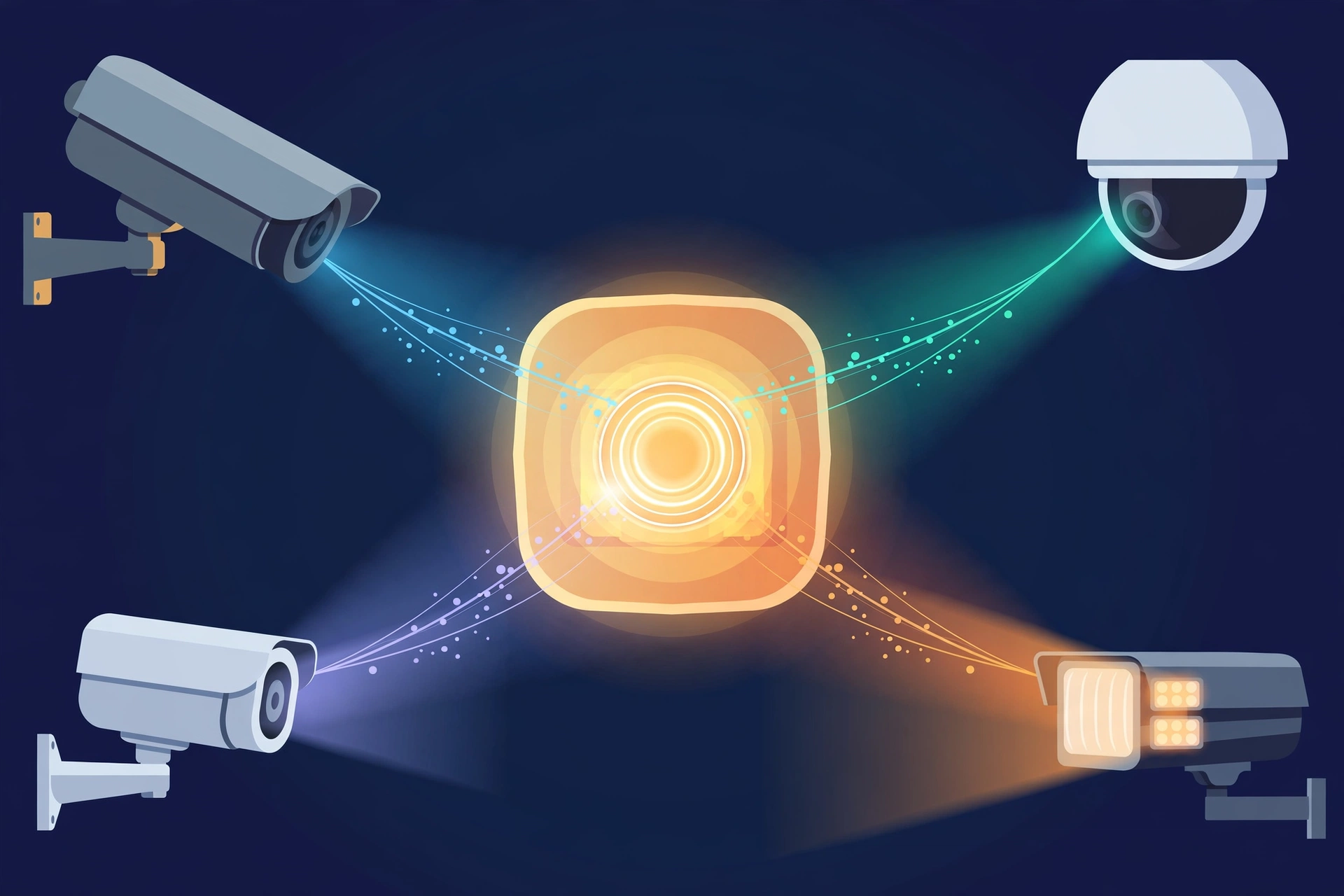
The HomeBase 3’s 16GB is shared across every camera paired to it. Rough rule of thumb at normal activity:
| Cameras on one HomeBase 3 | Estimated days (16GB, 4K) |
|---|---|
| 1 camera | ~90 days |
| 2 cameras | ~45 days |
| 4 cameras | ~22 days |
| 8 cameras | ~11 days |
If that feels tight, the fix is cheap and permanent: the HomeBase 3 accepts a standard 2.5-inch SATA hard drive or SSD up to 16TB — roughly 1,000× the built-in 16GB. Even a 1TB drive (~62× the built-in storage) takes a 4-camera 4K system from ~22 days to well over a year. A 1TB 2.5″ drive typically costs $40–60 ; install takes about five minutes behind the HomeBase’s expansion bay cover.
When should you actually expand storage?
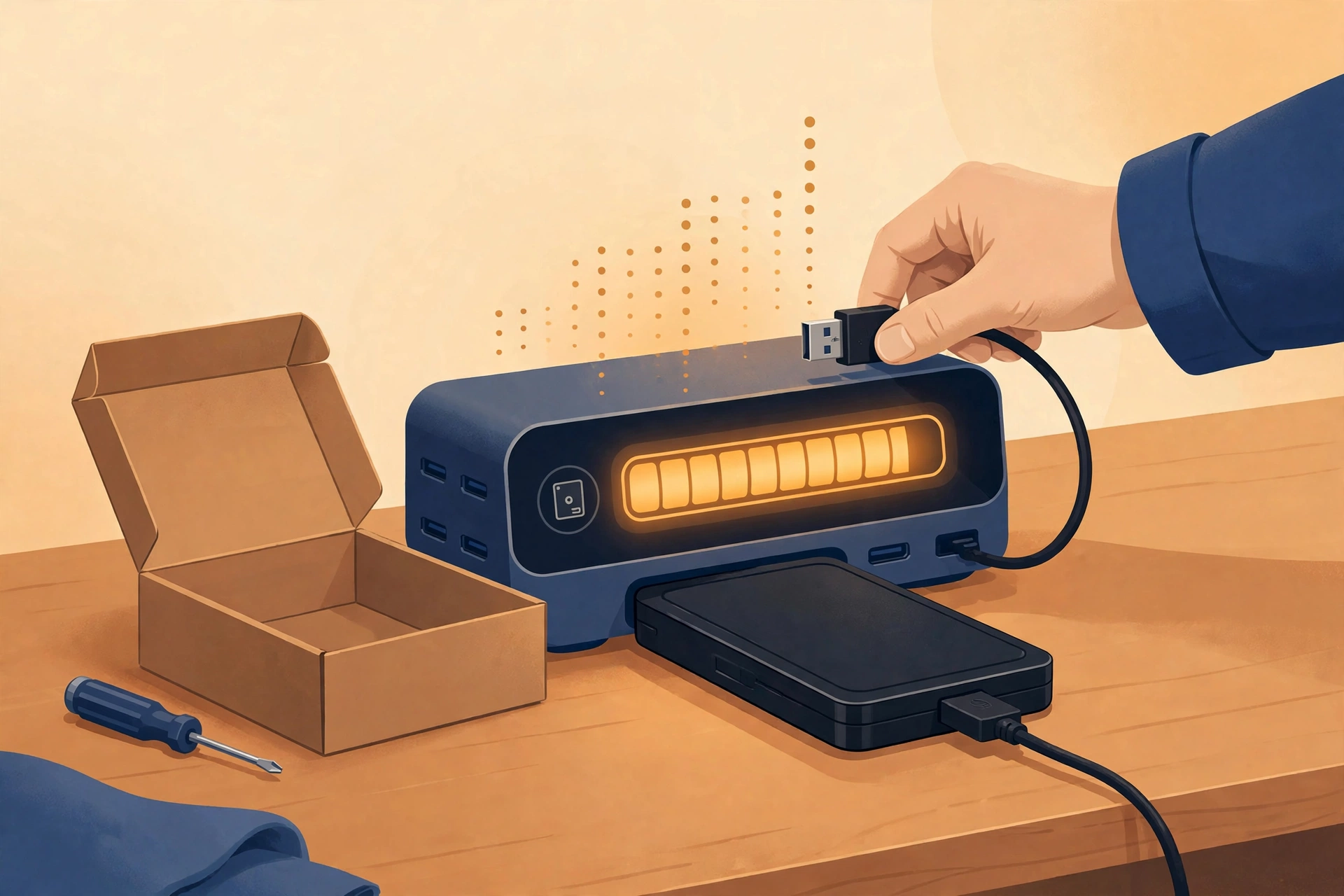
- 1–2 cameras, normal activity: don’t bother. The built-in 16GB covers months.
- 4+ cameras: add a 1TB drive. It’s the cheapest upgrade in all of smart-home tech.
- High-activity locations (busy street, storefront): expand early, or lower the motion sensitivity and tighten activity zones first — free fix, often enough.
- You want 24/7 continuous recording: expansion is effectively required. Budget for at least 1TB and expect far shorter retention than motion-only recording.
How Eufy storage compares to the subscription brands
This is the whole point of local storage. Arlo’s paid plans give you 60 days of cloud history — for $95.88 to $299.88 per year, forever. Eufy’s HomeBase 3 gives you ~90 days for one camera with a one-time $0 storage cost, and a $50 hard drive buys you years. The footage isn’t backed up off-site, which is the real trade-off — but on pure retention-per-dollar, local storage wins by an order of magnitude.
See the full cost comparison: Eufy vs Arlo Without a Subscription.
For the full $0/month picture beyond cameras, see our guide to home security without a subscription.
Late-2026 note: why two honest answers exist for the same 16GB
If you have seen a different number for the HomeBase 3 somewhere else, nobody is lying — the clip-length assumption does the work. Eufy’s own support math for the HomeBase 3 (S380) puts its built-in 16GB at about 2 months for one camera, or 1 month for two cameras, assuming 30 motion detections a day at 60 seconds each. This page’s ~90 days assumes shorter clips, closer to 20 seconds each. Same drive, different days. Before you compare any two retention claims, check the clip length behind them — it moves the answer more than the camera count does.
Two more details worth knowing before you buy a drive. First, about 20% of the built-in storage goes to system data, so the usable space is smaller than the 16GB on the box. Second, when you add a SATA drive, recordings go to the hard drive first and only fall back to built-in storage once the drive is full — so the expansion is not just extra room, it is where your newest clips live.
Finally, the mode matters more than the card. Event clips stretch for months; continuous recording eats storage in days. Eufy’s own figures put a 128GB card at roughly 120 hours of continuous 4K on the Indoor Cam S350, and roughly 144 hours on the Floodlight Cam E340. If you want 24/7 recording, plan on the HomeBase 3 with a hard drive, not on a microSD card.
Frequently asked questions
Does Eufy storage fill up and stop recording?
No — when storage fills, the oldest clips are overwritten automatically. You never lose the ability to record.
Can I download or back up Eufy recordings?
Yes. Clips can be downloaded through the eufy Security app. There’s no automatic cloud backup, so if the HomeBase is lost, download important clips promptly.
Does the 16GB shrink because of the operating system?
Yes, slightly — eufy notes the OS occupies a portion of built-in storage. The “90 days” figure already accounts for usable space.
Do I need the HomeBase 3 for local storage?
Only for eufyCam models that pair with it. SoloCam cameras, the Video Doorbell E340, Floodlight Cam E340 and Indoor Cams store locally without a HomeBase.
How long does Eufy store videos?
Eufy’s own figure: the HomeBase 3’s built-in 16GB holds roughly 90 days of 4K footage from one camera at normal activity — about 22 days with four cameras, since the 16GB is shared. When it fills, the oldest clips are overwritten automatically. Adding a SATA drive extends retention to years.
Why does eufy’s support page say 2 months when this page says 90 days?
Different clip-length assumptions. Eufy’s support math assumes 30 detections a day at 60 seconds each, which gives about 2 months on one camera. This page’s ~90 days assumes shorter clips, around 20 seconds. Busier scenes and longer clips shrink both numbers; quieter scenes stretch them.
Does the HomeBase 3 use the hard drive or the built-in storage first?
The hard drive first. Once you add a SATA drive and it is formatted, new recordings go there, and only fall back to the built-in 16GB once the drive is full. Remember to power the HomeBase off before plugging the drive in.
How long does continuous 24/7 recording last on a microSD card?
Days, not months. Eufy’s figures put a 128GB card at roughly 120 hours of continuous 4K on the Indoor Cam S350 and roughly 144 hours on the Floodlight Cam E340. For continuous recording, a HomeBase 3 with a hard drive is the realistic setup; a card is for event clips.
The bottom line
For most households — 1 to 4 cameras at normal activity — Eufy’s built-in storage lasts weeks to months with zero fees, and a single cheap hard drive ends the question permanently. That’s the entire pitch, and it’s why the no-subscription crowd keeps buying Eufy.
Your next step
- Do Eufy Cameras Require a Subscription? (Every Model, 2026) — Pair storage know-how with the full subscription breakdown.
- Eufy vs Arlo Without a Subscription: Which Is Actually Cheaper in 2026? — See how Eufy’s local storage stacks up against Arlo.
- Home Security Without a Subscription (2026): The Complete Guide — The complete guide to subscription-free security.
Recent updates
- 28 September 2026 — Restructured with Key Takeaways, quick list and FAQ; re-verified specs and prices.
Why you can trust AbodeAlly
AbodeAlly is a research-based buying guide, not a test lab. We don’t run a warehouse of gadgets or a lab bench, so we never invent hands-on test results.
Every pick starts with manufacturer specifications and standards documents, cross-checked against reputable expert reviews and long-term owner feedback. We re-verify specs and prices on a regular update cadence, and each article carries a dated changelog so you can see exactly what changed and when.
Spot an error or an out-of-date price? Tell us and we’ll fix it — corrections are published openly, not buried.
AbodeAlly’s editorial team researches smart-home gear full time. We verify specifications against manufacturer and standards sources, cross-check reputable expert reviews and long-term owner feedback, and re-verify every guide on a regular cadence. We don’t run a test lab, so we never invent hands-on test results.




6 Comments