Best Smart Home Hubs With No Subscription in 2026
Somewhere along the way, the smart home developed a subscription habit. The camera wants $5 a month. The doorbell wants $5 a month. The alarm panel wants $10. Add them up across a house and you’re paying a second internet bill just to keep the lights doing what you told them to do last Tuesday.
The hub was supposed to be the escape hatch from all that — one box, bought once, running your home locally. The good news: the escape hatch still exists. There has never been a better selection of genuinely subscription-free hubs than right now: open-source powerhouses, polished multi-protocol boxes, and ecosystem hubs that cost exactly what the box says and nothing after.
But “no subscription” has fine print, and this guide reads it for you. Every pick below was checked against a single ruthless standard: buy the box, use every core feature, pay nothing monthly — ever. Where a hub sells optional extras (remote access, cloud backup), you’ll see exactly what they cost and whether you actually need them.
Key Takeaways
- Home Assistant Green is the best no-subscription hub for most people willing to spend an afternoon setting it up — $199, every protocol via add-ons, zero monthly fees, and the largest device library in existence.
- “No subscription” has two tiers. Core hubs like Hubitat and Home Assistant are fully free; they also sell optional extras (remote admin, cloud backup) you can ignore forever. That’s honest. What’s not honest is hardware that paywalls basic features — see the “what to avoid” section.
- Match the hub to your devices, not the hype. Zigbee and Z-Wave households want Hubitat; Matter/Thread beginners want the Aqara M3; Apple homes want the Apple TV 4K; Alexa homes want the Echo Hub.
- The cheapest good hub is $60–$70. The SwitchBot Hub 2 covers Matter bridging and IR control for less than a takeaway dinner for two — with no subscription attached.
- Wink is the cautionary tale. It promised no subscriptions, then imposed a mandatory $4.99/month fee overnight in 2020 — and effectively died. Buy from companies whose business model isn’t a future price hike.
Disclosure: This page contains affiliate links — if you buy through them, we may earn a commission at no extra cost to you.
What “no subscription” really means (read this first)
Not all “no subscription” claims are equal. There are three tiers, and knowing which one you’re buying saves you from the nasty surprise six months in.
- Tier 1: genuinely free, forever. The hub does everything out of the box and the company has no paid tier at all. The Aqara Hub M3 and SwitchBot Hub 2 live here — buy the hardware, that’s the whole transaction.
- Tier 2: free core, optional paid extras. Every feature that matters is free; the company sells conveniences on the side. Home Assistant’s optional Nabu Casa remote access ($6.50/month) and Hubitat’s optional Remote Admin ($45/year) are the textbook examples — you can run both hubs for a decade without paying either and lose nothing that matters. This is honest, and it counts as subscription-free in this guide.
- Tier 3: the freemium trap. The box is cheap because the business model is the monthly fee. Core features — video history, remote arming, person detection — sit behind the paywall. Ring Alarm is the famous borderline case: it self-monitors for free (alerts, live view), but anything useful beyond that needs a Ring Home plan from $4.99/month. Buy these only with eyes open.
The Wink story is why this distinction matters. Wink sold hubs for years on an explicit no-subscription promise, then in 2020 flipped to a mandatory $4.99/month fee with a week’s notice — pay or your hub becomes a brick. The company never recovered. When you buy a hub, you’re buying into a business model. Prefer the ones that make money selling you hardware, not renting you access to hardware you already own.
One more thing this guide assumes: if you’re still deciding whether you need a hub at all, read our 2026 hub decision guide first. Plenty of homes don’t — a speaker you already own may already be doing the job.
Home Assistant Green — the best no-subscription hub overall
$199 MSRP (around $219 at retail) · No subscription · Every protocol via USB add-ons
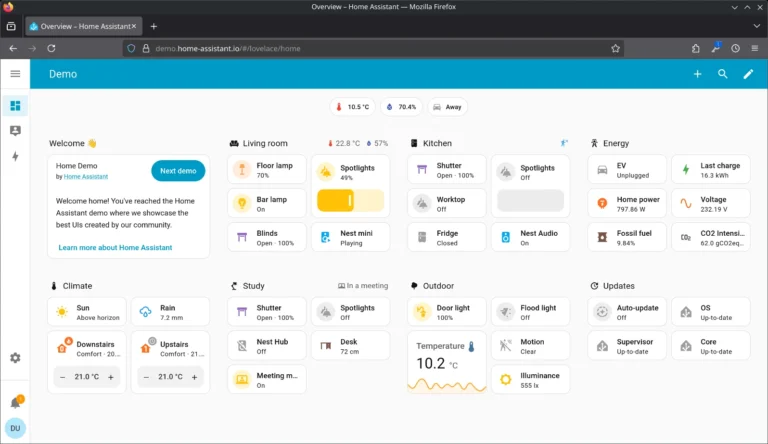
If you buy one hub from this list, make it this one — provided you’re willing to spend an afternoon on setup. Home Assistant is the largest open-source smart home platform on earth: over 2,800 integrations, every protocol that matters (Zigbee, Z-Wave, Thread, Matter, Wi-Fi, Bluetooth) via inexpensive USB coordinators, and automations that run entirely on your local network. When the internet dies, your house keeps working. When a company sunsets a cloud service, you don’t even notice.
The Green is the official plug-and-play box: Home Assistant OS pre-installed, Ethernet and power in, browser wizard out. No SD card to corrupt, no Linux terminal required. The honest costs beyond the box: a Zigbee/Thread USB stick (around $20–$45) if you run those protocols, and an entirely optional $6.50/month Nabu Casa subscription if you want dead-simple remote access — skip it and use the free local access, or roll your own VPN. Nothing about the core experience requires it.
The trade-off is real: setup takes an evening, not ten minutes, and the learning curve is steeper than any app-first hub. But it’s a one-time cost. Five years from now you’ll have paid $199 total while the subscription crowd has paid five years of monthly fees — and your automations will still be running locally.
For a head-to-head comparison, read the full Home Assistant vs SmartThings breakdown.
Hubitat Elevation C-8 Pro — best for Zigbee and Z-Wave households
Around $185 · No subscription for core features · Zigbee 3.0, Z-Wave 800 Long Range, Matter, Bluetooth
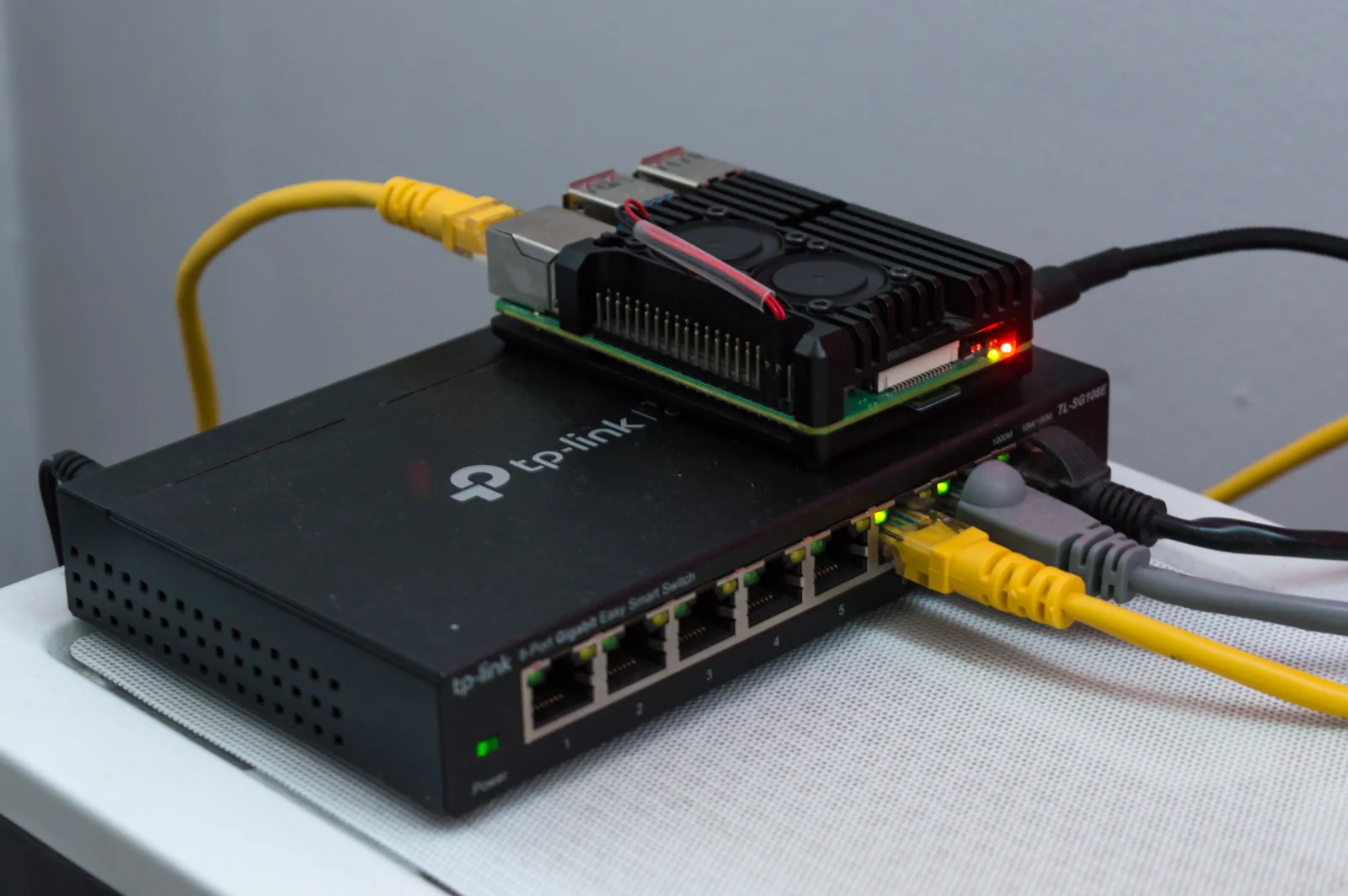
Hubitat is what you buy when your house already speaks Zigbee and Z-Wave and you want those devices running locally with zero cloud dependency. The C-8 Pro — the only model Hubitat manufactures in 2026 — packs Zigbee 3.0, Z-Wave 800 with Long Range, Matter, and Bluetooth radios, plus external antennas that give it meaningfully better range than most competitors. Every automation runs on the hub itself. Internet outage? Your rules keep firing.
The subscription story here is the honest Tier 2 kind: everything that matters is free, forever, with continuous free platform updates. Hubitat sells two optional extras — Remote Admin ($45/year) for managing your hub away from home, and Hub Protect ($45/year) for cloud backups plus extended warranty. Neither gates any device control or automation. Skip both and you’ve lost nothing except convenience features you can replicate free.
The catch is the interface, which looks like it time-traveled from 2012, and an automation builder (“Rule Machine”) that rewards patience. If the Home Assistant learning curve sounds like a fun weekend, Hubitat is the easier weekend. If even that sounds like work, keep scrolling to the Aqara pick.
Aqara Hub M3 — best for Matter beginners and mixed ecosystems
$119.99 · No subscription · Thread border router, Zigbee 3.0, Matter controller, IR blaster
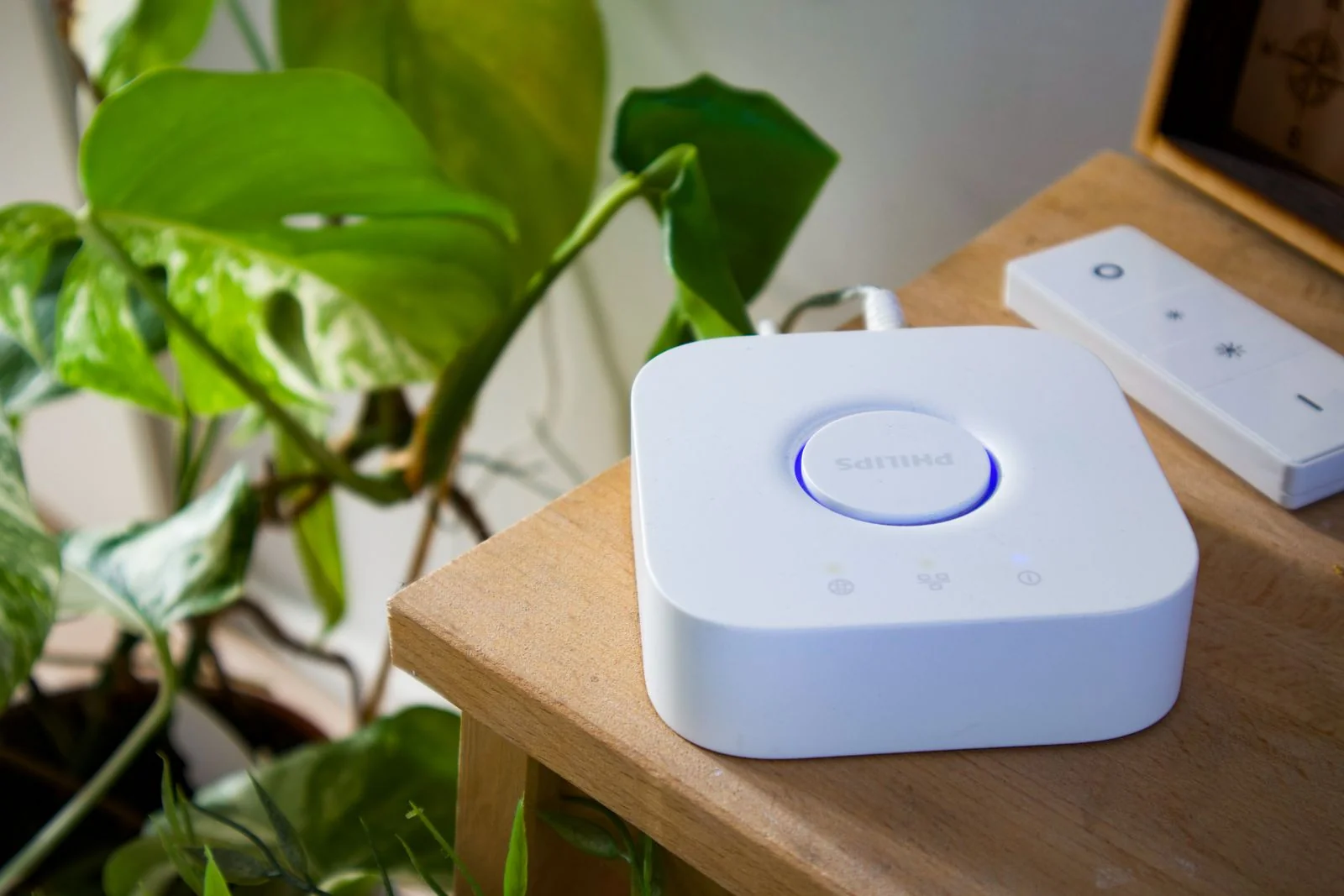
The M3 is the rare hub that refuses to pick a side. Plug it in, scan a QR code, and it announces itself to Apple Home, Google Home, Alexa, and SmartThings simultaneously over Matter. Under the hood: a Thread 1.4 border router, Zigbee 3.0 radio, Matter controller and bridge, plus a 360-degree IR blaster that drags your “dumb” TV and window AC into your automations. PoE support means one cable for power and data if you’re mounting it in a closet.
And the subscription story is the simplest on this page: there isn’t one. No tiers, no optional extras, no cloud features to paywall. Buy the $119.99 box and you’re done spending money on it. The limitations are about scope, not fees — no Z-Wave radio, and non-Aqara Zigbee gear sometimes needs coaxing — but for a Matter/Thread household starting fresh, nothing else packs this much into one box at this price.
For climate sensing, add a cheap Zigbee climate sensor for the Aqara Hub M3.
SwitchBot Hub 2 — best budget hub
$69.99 (often $59.99 on sale) · No subscription · Matter bridge, IR blaster, temp/humidity/light sensors
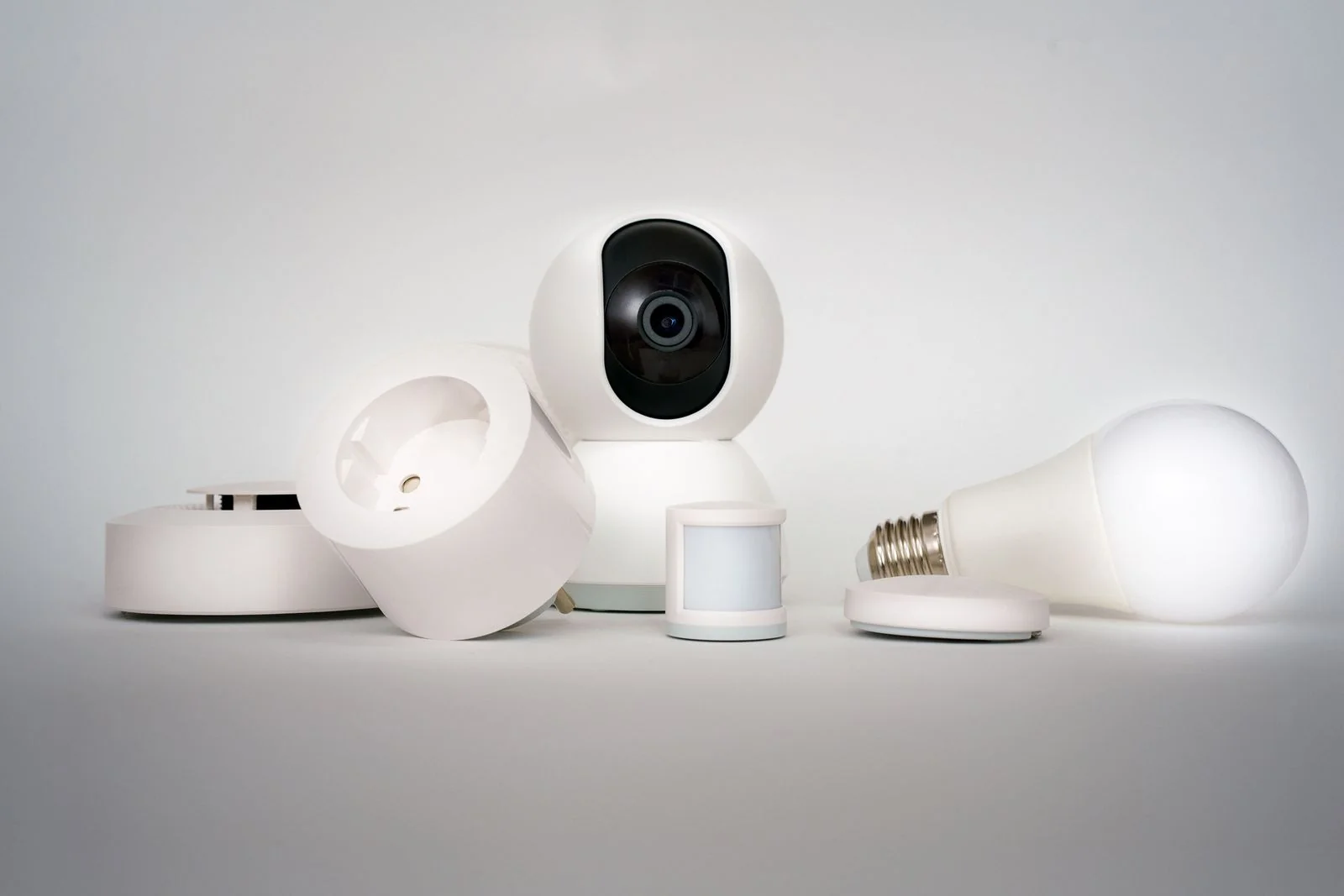
Seventy dollars for a hub that does this much is faintly ridiculous. The Hub 2 bridges SwitchBot’s Bluetooth devices (locks, curtains, bots, meters) into Matter — which means into Apple Home, Alexa, and Google Home — while doubling as a universal IR remote for your TV and AC, a temperature/humidity/light sensor with a little onboard display, and a pair of physical smart buttons the kids and grandparents can actually use.
No mandatory subscription fees, full stop. The honest caveat is scope: it’s a bridge for the SwitchBot universe first, a general-purpose hub second. If your house is already full of SwitchBot gear (or you’re buying into it for the retrofit-friendly locks and curtain motors), this is the cheapest on-ramp on the page. If you need Z-Wave or heavy-duty automation logic, look at Hubitat instead.
Buy the SwitchBot Hub 2 at SwitchBot’s official store → Code 10UPGHELITFRM8 takes 10% off.
Apple TV 4K (128GB) — best for Apple households
Around $149 at retail for the Thread model (Apple lists higher) · No subscription · HomeKit hub, Thread border router, Matter controller
Here’s the thing Apple households keep rediscovering: you may already own your hub. The Apple TV 4K (3rd generation, 128GB Wi-Fi + Ethernet — the only version with a Thread radio) is a full HomeKit home hub, Thread border router, and Matter controller that also happens to play Ted Lasso in Dolby Vision. Buy it for the TV, get the hub free.
The subscription story: Apple charges nothing for the home hub functionality — no tier, no paywall, automations run locally on the box. (Apple TV+, Arcade, and Fitness+ are separate entertainment subscriptions and irrelevant to the smart home.) The catch is the obvious one: it’s Apple Home or nothing. If your household is split across ecosystems, the Aqara M3’s multi-platform approach serves you better.
Buying note: only the 128GB Wi-Fi + Ethernet model has Thread. The cheaper 64GB version skips both Ethernet and the Thread radio — fine for streaming, useless as a Thread border router. Check the box before you buy.
Amazon Echo Hub — best for Alexa households
$179.99 list, often $110–$125 on sale · No subscription · Zigbee, Thread, Matter, 8-inch dashboard
The Echo Hub is what happens when a smart speaker has an identity crisis and decides it wants to be a control panel instead. It’s an 8-inch wall-mountable touchscreen that runs your Alexa smart home as a customizable dashboard — lights, locks, cameras, routines, all one tap away — with Zigbee, Thread, Matter, Bluetooth, and Sidewalk radios built in. No subscription for any of it: device control, routines, and automation are all free.
For Alexa-first households this is the most natural hub buy: it speaks to the enormous catalog of Alexa-compatible devices, handles the Thread and Zigbee radios your sensors need, and gives the whole family a wall-mounted control point that doesn’t require fishing out a phone. The trade-offs: it’s Alexa-only (no HomeKit, no Google Home as anything but a guest), and the speaker is deliberately basic — pair a real Echo for music.
Google households: Nest Hub (2nd gen)
Around $99 (verify current pricing — it moves with sales) · No subscription · Thread border router, Matter controller
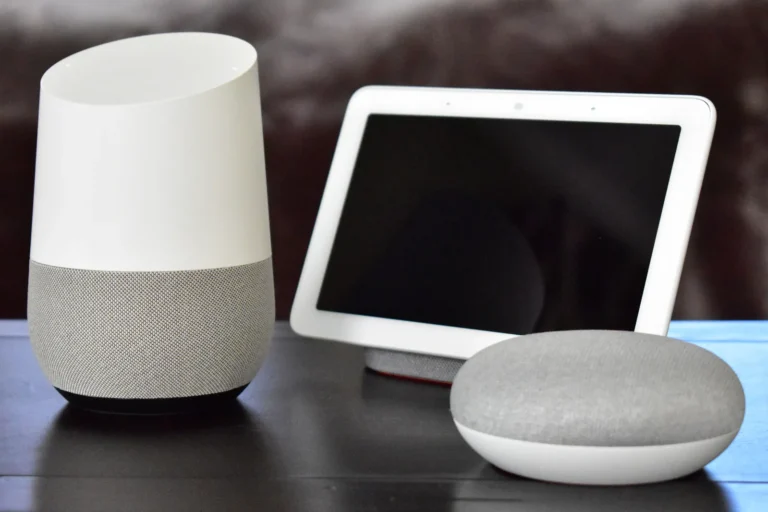
Google’s answer is the least “hub-shaped” of the bunch: the Nest Hub (2nd gen) is a smart display that quietly does Thread border routing and Matter control on the side, with no subscription for any smart home feature. If your household lives in Google Home, it’s the path of least resistance — though power users who outgrow it tend to land on Home Assistant eventually.
Every pick, side by side
| Hub | Price | Subscription | Key radios | Best for |
|---|---|---|---|---|
| Home Assistant Green | $199 MSRP (~$219 retail) | None (optional $6.50/mo remote access) | All, via USB add-ons | Best overall / DIY |
| Hubitat C-8 Pro | ~$185 | None (optional $45/yr remote admin) | Zigbee 3.0, Z-Wave 800 LR, Matter, BT | Zigbee/Z-Wave local |
| Aqara Hub M3 | $119.99 | None, no tiers at all | Thread, Zigbee 3.0, Matter, IR | Matter beginners |
| SwitchBot Hub 2 | $69.99 | None | Matter bridge, IR, BT | Budget |
| Apple TV 4K 128GB | ~$149 retail | None | Thread, Matter (HomeKit) | Apple households |
| Echo Hub | $179.99 (often ~$115 on sale) | None | Zigbee, Thread, Matter (Alexa) | Alexa households |
| Nest Hub (2nd gen) | ~$99 | None | Thread, Matter (Google) | Google households |
What to avoid
Not every hub respects the no-subscription promise. The traps, from worst to mildest:
- Dead platforms with mandatory fees (Wink). The textbook bait-and-switch: years of “no subscription” marketing, then a mandatory $4.99/month fee imposed with a week’s notice in 2020. The platform withered. If a hub company looks financially shaky, its “no subscription” promise is only as durable as the company.
- Security hubs that gate core features (Ring Alarm). Ring Alarm self-monitors for free — alerts and live view work — but video history, person detection, and professional monitoring need a Ring Home plan from $4.99/month up to $19.99/month. It’s a fine system if you budget for the plan; it’s a trap if you bought the box believing “no subscription” applied to the features you actually wanted.
- Professionally monitored systems (Vivint, ADT and kin). Excellent hardware, but the business model is the monitoring contract. If your goal is zero monthly fees, these are categorically the wrong aisle — say so out loud before the sales rep’s pitch makes it sound optional.
- “Free” hubs bundled with something else. ISP-provided smart home gear and builder-installed panels often tie basic functionality to an account, an app, or a service plan you didn’t ask for. A hub you can’t factory-reset into independence isn’t yours — it’s leased.
- Buying a hub before the devices. The most common waste in smart homes isn’t a subscription — it’s a $150 box gathering dust because everything the owner bought later spoke Wi-Fi. Decide what you’re automating first (our Matter hub guide walks through it), then buy the hub those devices need.
FAQ
Do any smart home hubs require a subscription?
Most dedicated hubs don’t — Home Assistant, Hubitat, Aqara, and SwitchBot all run their core features with zero monthly fees. The subscription trap lives in security ecosystems (Ring, ADT, Vivint) where monitoring, video history, and detection features sit behind plans, and in dead platforms like Wink that imposed fees retroactively. Check what the subscription gates before you buy the box.
Is Home Assistant really free?
The software is free and open source, forever — no tiers, no paywalled features. You pay once for hardware (the $199 Green, or a Raspberry Pi/mini PC you already own) plus optionally ~$20–$45 for a Zigbee/Thread USB stick. The only recurring cost in the ecosystem is the entirely optional $6.50/month Nabu Casa subscription for dead-simple remote access — skip it and lose nothing that matters.
What’s the cheapest good smart home hub with no subscription?
The SwitchBot Hub 2 at $69.99 (often $59.99 on sale) — Matter bridging, IR control for dumb devices, and built-in climate sensors, with no subscription. The catch is scope: it’s a bridge for the SwitchBot universe first. For a general-purpose cheap hub, the Aqara Hub M3 at $119.99 covers far more ground.
Do I need a hub if all my devices are Wi-Fi?
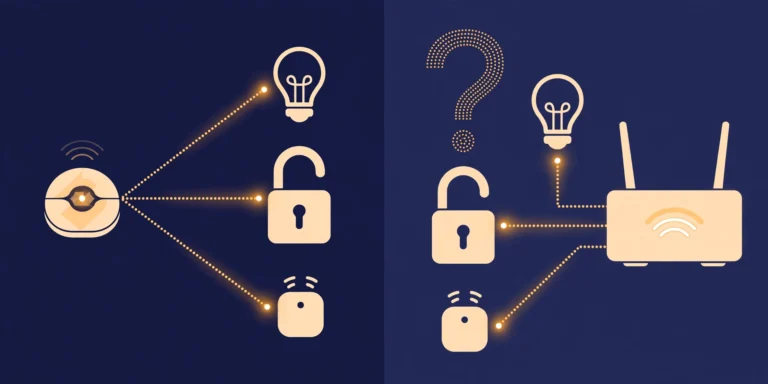
No. Wi-Fi devices talk straight to your router — a hub adds nothing. Hubs earn their keep with Zigbee, Z-Wave, and Thread devices, with local automation that survives internet outages, and with unifying five brand apps into one. Our hub decision guide has the full 60-second framework.
Hubitat vs Home Assistant: which should I choose?
Home Assistant if you want the biggest device library and don’t mind a weekend of setup — it’s free, open, and runs on hardware you choose. Hubitat if you want a polished box that does Zigbee/Z-Wave/Matter locally with less tinkering, and you’re fine with a dated interface. Both are subscription-free at the core; both keep working when the internet dies.
Can I use a smart speaker as a hub instead?
Often, yes — and you should check before buying a box. A HomePod mini, recent Echo, Nest Hub, or Apple TV 4K already does the Matter controller and Thread border router jobs for most beginners. A dedicated hub earns its place when you run Zigbee/Z-Wave gear, want automations that survive outages, or are coordinating 30+ devices. See our Matter device picks and ecosystem comparison to match devices to whatever you choose.
Sources
- SmartHomeExplorer (2026): Best Smart Home Hubs 2026: 7 Compared — Aeotec Smart Home Hub $149.99, zero subscription; Home Assistant Green $219 retail; Apple TV 4K best for HomeKit homes
- LocalSmartHomeGuide (2026): Home Assistant vs Hubitat — Hubitat C-8 Pro lists at $184.95, everything local with no subscription; Pro is the only model manufactured in 2026
- LocalSmartHomeGuide (2026): Home Assistant Green — MSRP $199 (home-assistant.io, Sep 2026), ~$219 at retail Oct 2026; fully local, optional Nabu Casa remote access $6.50/month
- MatterAlpha (Oct 9, 2026): Aqara Hub M3 — $119.99 at Amazon US, Thread border router + Zigbee 3.0 + Matter controller
- The Ambient (2026): Homey vs Aqara — Homey Pro (2026) $449, no subscription; Aqara Hub M3 specs (Zigbee 3.0, Thread, Matter, IR blaster, PoE)
- SwitchBot (2026): SwitchBot deals page — Hub 2 listed at $69.99 on switch-bot.com
- MatterAlpha (Oct 9, 2026): SwitchBot Hub 2 — $59.99 at Amazon US; Matter-compatible gateway
- Hubitat Community (Apr 2025): Subscription pricing update — Remote Admin $45/year, Hub Protect $45/year (optional; core features free)
- How-To Geek: Hubitat optional subscriptions — subscriptions entirely optional; Wink’s mandatory-fee bait-and-switch cited as the counterexample
- SafeWise (May 2026): Ring Alarm review — Ring Home plans $4.99–$19.99/month; self-monitoring free, video history and pro monitoring paywalled
- Amazon (2026): Echo Hub — $179.99 list; Zigbee, Thread, Matter, Sidewalk radios; no subscription for device control and routines
- GitHub / Zodarc (Sep 2026): Best smart home hubs 2026 — Echo Hub $179.99 (often $110–$120 on sale); Aqara M3 $119.99–$159.99 street range
- Refurb.me (Oct 2026): Best refurbished Apple TV 2026 — Apple TV 4K 3rd gen new at Apple $199/$249; only the 128GB Wi-Fi + Ethernet model has Thread; street prices lower at third-party retailers
- DumbSwitches: Wink hub review — Wink’s subscription flip and platform decline; what to buy instead in 2026
Bottom line: the best hub is the one you pay for once. Buy the box, skip the monthly tithe, and spend the savings on the devices themselves.



5 Comments