
Do I Need a Hub for Matter Devices? (2026)
No — you usually don’t need a hub for Matter devices. Wi-Fi and Ethernet Matter devices connect straight to your home router; only Thread devices need a border router, and only legacy Zigbee or Z-Wave gear needs a bridge.
Published 28 September 2026 · Updated 28 September 2026
Disclosure: This article currently contains no affiliate links — nothing here earns us a commission. If that changes, we’ll say so.
The direct answer
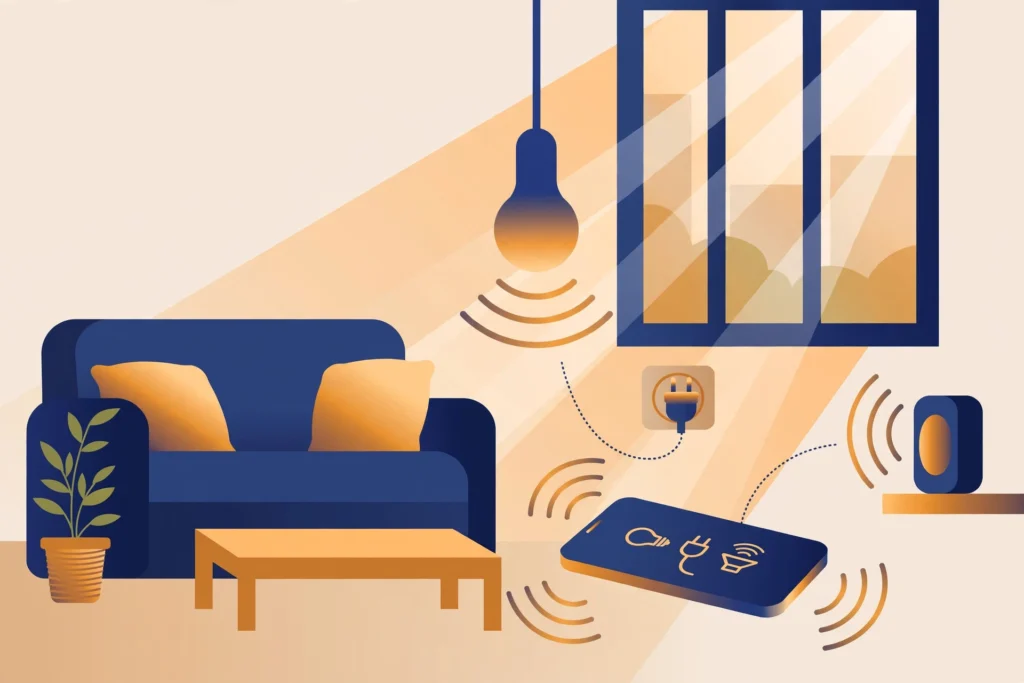
Usually no — but it depends on how the device connects. Matter devices that use Wi-Fi or Ethernet need no hub at all; they join your existing network like any smart plug or bulb. Matter devices that use Thread (mostly battery-powered locks, sensors, and switches) need a Thread Border Router — but that can be a speaker or streaming box you already own, like a HomePod mini, Nest Hub, or Echo. You only need a traditional hub if you want to bridge older Zigbee or Z-Wave gear into Matter. If you’re deciding between Apple’s platform and the Matter standard itself, read our Matter vs HomeKit comparison for 2026.
Featured-snippet version: No — most Matter devices need no hub. Wi-Fi and Ethernet Matter devices connect straight to your router. Thread-based Matter devices (locks, sensors) need a Thread Border Router, which can be a HomePod mini, Nest Hub, or Echo you already own.
Key Takeaways
- Most Matter devices need no hub — Matter-over-Wi-Fi and Ethernet devices connect straight to your router.
- Thread devices need a Thread border router, but you may already own one (HomePod mini, Nest Hub, Echo).
- Old Zigbee or Z-Wave devices need a bridge to appear in Matter.
- Renters can build a complete Matter setup with no hub at all.
The decision tree: hub or no hub?
Answer three questions about the device you’re buying:

1. Does it connect over Wi-Fi or Ethernet?
Then no hub needed. Matter-over-Wi-Fi devices — bulbs, plugs, most cameras, even smart light bars — join your home network directly. Setup is: screw it in, open the app, scan the Matter QR code, done. This is the entire point of Matter for renters and minimalists: the router you already have is the infrastructure.
2. Does it connect over Thread?
Then you need a Thread Border Router — one device in your home that bridges the Thread mesh to your Wi-Fi network. The good news: you probably already own one, or can buy one that does double duty:
- Apple: HomePod mini, HomePod (2nd gen), supported Apple TV 4K models
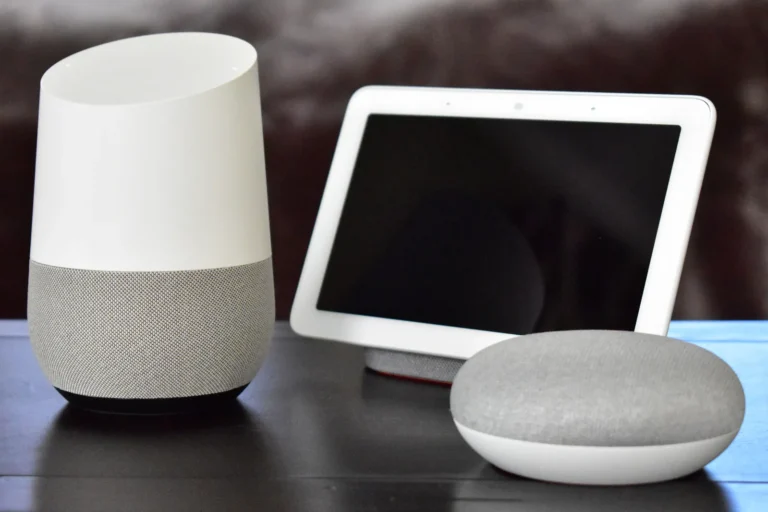
- Google: Nest Hub (2nd gen), Nest Hub Max, Nest Wifi Pro, Google TV Streamer 4K
- Amazon: Echo (4th gen), Echo Studio, Echo Hub, several current Echo Show models, supported eero hardware
A Thread Border Router is not a “hub” in the old sense — it’s a speaker, display, or streamer that happens to include Thread radio hardware. You don’t manage it separately; it just sits there doing its normal job while also routing Thread traffic.
3. Are you trying to keep old Zigbee/Z-Wave devices?
Then you may need a bridge — a hub whose job is translating your old devices into Matter so your platform can see them. This is a migration tool, not a Matter requirement. If you’re starting fresh in 2026, skip the old protocols entirely and buy native Matter devices.
For the next decision, see which platform should run your smart home.
If the terms themselves are still fuzzy, start with our plain-English explainer on what Matter actually is.
“But the box says ‘hub required'”
Sometimes it does, and it’s worth reading the fine print. A few situations where a manufacturer still wants their own hub:
- Feature unlocks: The device works with Matter for basics (on/off, lock/unlock), but advanced features — energy monitoring dashboards, complex automations, firmware management — may require the brand’s hub or app.
- Zigbee products in Matter clothing: Some brands sell Zigbee devices with a Matter-compatible bridge. The bridge speaks Matter; the end devices don’t. Check whether the device itself carries the Matter logo.
- Legacy product lines: A brand’s older catalog may predate its Matter support. The same bulb might exist in a Zigbee version (hub needed) and a Matter version (no hub). Buy the Matter one.
What renters should actually do
The renter-optimal Matter setup in 2026 is deliberately boring:
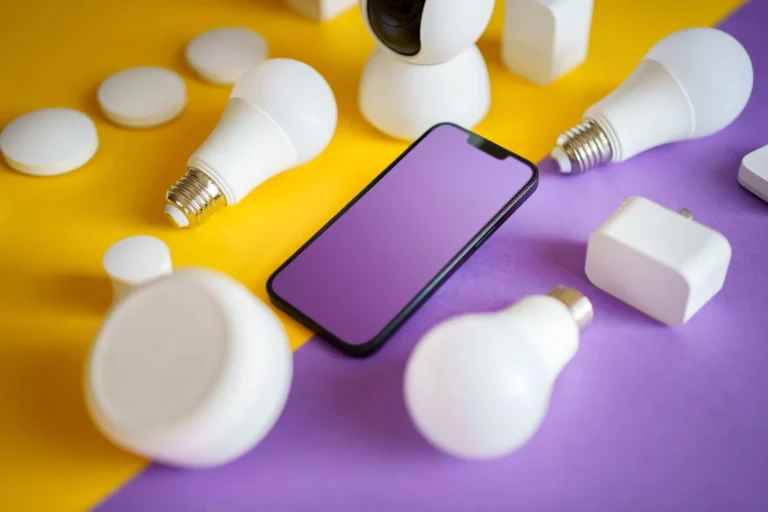
- Buy Matter-over-Wi-Fi devices for everything plugged in: bulbs, plugs, LED strips. Zero extra hardware. See the best no-hub smart bulbs for renters.
- For battery devices (locks, sensors), check whether you already own a Thread Border Router. An Echo or Nest Hub in the living room usually covers a whole apartment.
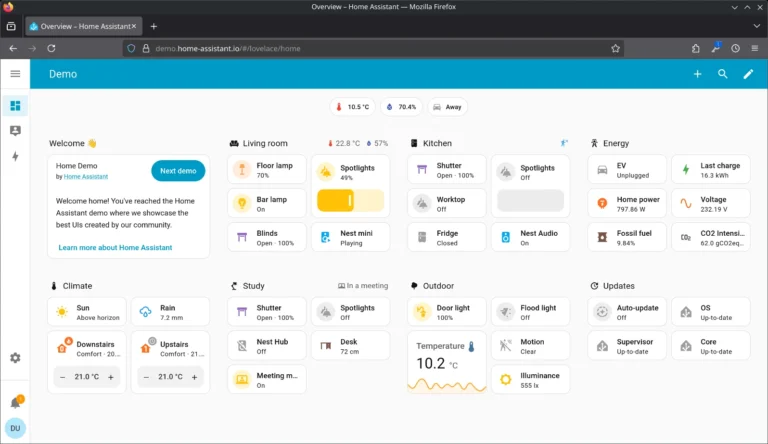
- Don’t buy a standalone hub unless you have a specific reason — a large Zigbee legacy collection, or a power-user automation platform like Home Assistant.
This keeps your move-out checklist to “unpair and pack.” No bridges to deregister, no hubs to factory-reset and sell.
For the actual hardware, see which Matter devices are worth buying — every pick there works with the no-hub setup described above.
Hub vs. Border Router vs. Bridge: stop mixing these up
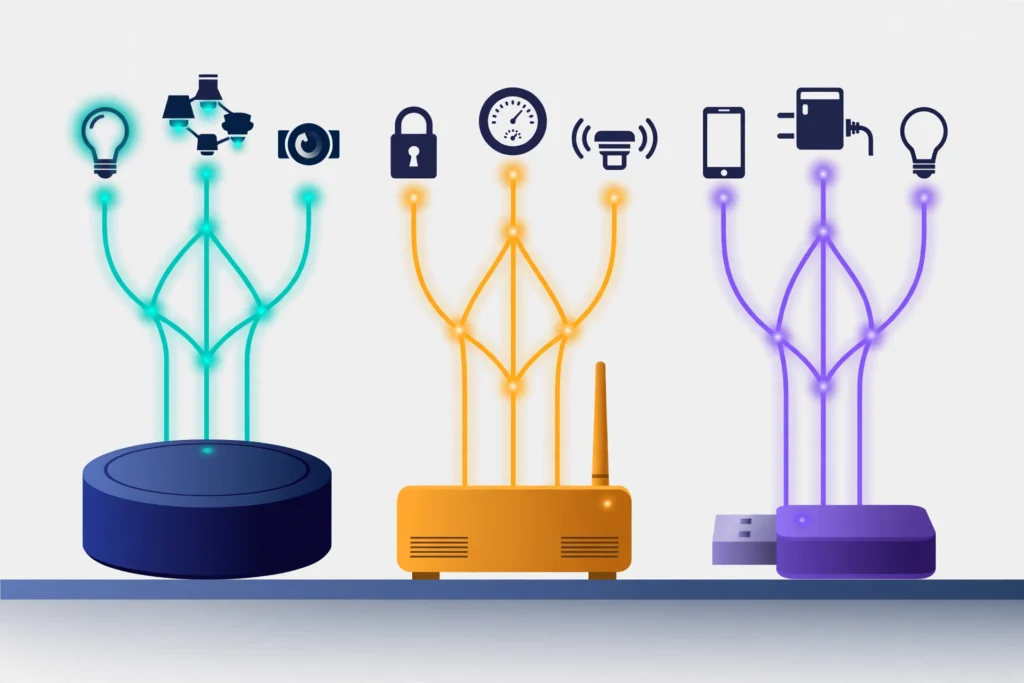
| Term | What it does | Example | Do you need one? |
|---|---|---|---|
| Hub (classic) | Central controller for one protocol (Zigbee/Z-Wave) | SmartThings Hub, Hue Bridge | Only for legacy devices |
| Thread Border Router | Connects Thread mesh to Wi-Fi | HomePod mini, Nest Hub (2nd gen), Echo (4th gen) | Yes, if you own Thread devices — often already owned |
| Bridge | Exposes non-Matter devices to Matter | Some Zigbee-to-Matter bridges | Only when migrating old gear |
| Nothing | — | Your existing Wi-Fi router | Correct for all Matter-over-Wi-Fi devices |
The bottom line
Matter killed the mandatory hub for most people. Wi-Fi devices need nothing new. Thread devices need a border router you likely already own. The main buyers of hubs in 2026 are legacy-device owners and automation hobbyists — and if you’re reading a renter-focused site, that’s probably not you. To decide, read our guide on whether you actually need a smart home hub in 2026. If you do need a dedicated hub, here are the subscription-free Matter hubs worth buying.
New to Matter entirely? Start with What Is Matter in Smart Home Tech?
Sources
- Thread Border Router device FAQ: support.nanoleaf.me
- Matter/Thread explainer: datawiresolutions.com/blog/matter-thread-explained-2026
- Border router options: sensereo.com/community/best-matter-hub-thread-border-router/
Your next step
- What Is Matter in Smart Home Tech? (2026 Explainer) — Start with the plain-English explainer if Matter is new to you.
- Best Smart Bulbs for Renters (No Hub): 8 No-Hub Picks for 2026 — See 8 bulbs that work happily with no hub at all.
- Do Smart Locks Work Without Wi-Fi? (2026 Guide) — Another “do I need it?” question, answered for smart locks.
- which Matter devices are actually worth buying
Late-2026 update: the hub question is getting simpler — slowly
Two spec changes since the summer bear directly on the hub question, and both come with the same warning: the paper moved faster than the products.
One Thread network instead of three. Early Thread had a flaw that undercut the whole pitch: each ecosystem built its own Thread mesh. A home with a HomePod, a Nest Hub and a SmartThings hub ran three separate, non-communicating meshes. Thread 1.4 fixed this on paper with credential sharing — border routers on the same home network discover each other and agree on one set of network credentials, collapsing the parallel meshes into one. New border routers have only been certifiable against Thread 1.4 since January 2026. The honest caveat: sharing works well when the border routers belong to the same ecosystem and still breaks down across ecosystems, because cross-ecosystem sharing depends on the platform layer honouring multi-admin. If you already own border routers from two brands, do not buy a third hoping they merge — check that your two actually share a mesh first.
Joint Fabric does not remove the border router. Matter 1.6’s Joint Fabric is about platforms sharing one network, not about Thread devices reaching Wi-Fi on their own. A Thread lock or sensor still needs a border router in your home. What Joint Fabric may eventually remove is the re-onboarding dance: adding the same device separately to Apple, Google and Alexa. Until platforms ship it, that dance stays.
One mesh rule renters should know. Only powered Thread devices extend the mesh. Battery sensors do not relay for each other. In a larger home where most Thread devices run on batteries, range can disappoint — and the fix is a powered Thread device (a plug, a wired switch) between the border router and the far room, not a second hub.
Group commands are getting a real fix. Matter 1.6.1 revises the Groupcast cluster so one message can address a whole group instead of each device individually. Until platforms ship it, switching off a room of Thread lights still means the command visiting each bulb in turn — which is why group scenes can feel slower than single-device commands.
| Matter | Thread | Zigbee | Z-Wave | |
|---|---|---|---|---|
| What it is | The shared language devices speak | The low-power mesh that carries Matter for battery devices | An older mesh protocol | An older mesh protocol |
| Do you need a hub for it? | No — a controller app plus, for Thread devices, a border router | A border router, which is often a speaker or streamer you own | Yes — a coordinator hub | Yes — a hub |
| Works with every major platform? | Yes, for the functions each platform supports | It is the carrier, not the platform — platform support is Matter’s job | No — needs a compatible hub per ecosystem | No — needs a compatible hub per ecosystem |
| If you are starting fresh in 2026 | Buy this | Comes with Matter automatically where needed | Skip unless you already own the gear | Skip unless you already own the gear |
Frequently asked questions
Do I need a hub for Matter devices that use Wi-Fi?
No. Matter-over-Wi-Fi and Matter-over-Ethernet devices join your existing home network directly, just like a phone or laptop. No hub, bridge or extra hardware is required.
What is a Thread border router, and do I need one?
A Thread border router connects Thread devices to your Wi-Fi network so your phone and apps can reach them. You only need one if you own Thread devices — and many homes already have one inside an Apple HomePod mini, Google Nest Hub or Amazon Echo.
Can I use my old Zigbee or Z-Wave devices with Matter?
Yes, with a bridge. A bridge translates your legacy Zigbee or Z-Wave devices into Matter so they appear in your smart home app. This is the one case where hub-like hardware is genuinely required.
Do renters need a smart home hub for Matter?
No. Renters can build a complete Matter setup with Matter-over-Wi-Fi bulbs, plugs and LED strips controlled from a phone app — no hub, no drilling, and nothing to deregister when you move out.
Does Matter need a hub?
Usually no. Matter-over-Wi-Fi and Matter-over-Ethernet devices join your existing network with no hub at all. The exception is Thread devices, which need a Thread border router — though you may already own one, since HomePod mini, Nest Hub and recent Echo models include one.
I own a HomePod and a Nest Hub — do I get one Thread network or two?
Ideally one. Thread 1.4 added credential sharing so border routers on the same home network can join a single mesh instead of each building its own. In practice, sharing works best inside one ecosystem and is still partial across ecosystems — it depends on the platforms honouring multi-admin. Check your apps: if a sensor commissioned through Apple is unreachable from Google, your two meshes have not merged.
Will Matter 1.6 remove the need for a border router?
No. Matter 1.6’s Joint Fabric changes how platforms share a network; it does not give Thread devices a direct path to Wi-Fi. A Thread device still needs a border router. The border router just does not have to be a dedicated hub — a HomePod mini, Nest Hub or Echo you already own does the job.
Do I need a new border router for Matter 1.6 features?
No new hardware is required by the spec itself. Matter 1.6 features arrive through platform and device software updates, and no major platform has announced a timeline for Joint Fabric or NFC commissioning. Keep your border router’s firmware current and judge features by what your app actually shows, not by the spec version on the box.
Why is switching off a whole room of Thread lights slower than one bulb?
Because today the command usually visits each device individually. Matter 1.6.1’s revised Groupcast cluster lets one message address the whole group, but platforms have to ship it first. Until then, a room scene on Thread will always feel a beat slower than a single-device command — that is normal, not a fault in your lights.
Recent updates
- 28 September 2026 — Restructured with Key Takeaways, quick list and FAQ; re-verified specs and prices.
Why you can trust AbodeAlly
AbodeAlly is a research-based buying guide, not a test lab. We don’t run a warehouse of gadgets or a lab bench, so we never invent hands-on test results.
Every pick starts with manufacturer specifications and standards documents, cross-checked against reputable expert reviews and long-term owner feedback. We re-verify specs and prices on a regular update cadence, and each article carries a dated changelog so you can see exactly what changed and when.
Spot an error or an out-of-date price? Tell us and we’ll fix it — corrections are published openly, not buried.
AbodeAlly’s editorial team researches smart-home gear full time. We verify specifications against manufacturer and standards sources, cross-check reputable expert reviews and long-term owner feedback, and re-verify every guide on a regular cadence. We don’t run a test lab, so we never invent hands-on test results.



18 Comments