

Do Smart Locks Work Without Wi-Fi? (2026 Guide)
Yes — most smart locks work fine without Wi-Fi. Keypad codes, fingerprints and Bluetooth unlocking are stored locally on the lock; you only lose remote access, notifications and voice control when the internet goes down.
Published 28 September 2026 · Updated 28 September 2026
AbodeAlly is reader-supported. When you buy through links on this page, we may earn an affiliate commission — it never changes our picks, and you never pay extra.
Key Takeaways
- Most smart locks work without Wi-Fi — keypad codes, fingerprints and Bluetooth are stored locally on the lock.
- An internet outage only kills remote access, notifications, voice control and activity history; local unlocking keeps working.
- A power outage doesn’t affect the lock (it runs on AA batteries); only your router/hub goes down.
- For maximum offline independence, choose a Bluetooth-only lock or a Bluetooth/Z-Wave lock with a hub.
The short answer
Yes. Most smart locks work fine without Wi-Fi — keypad codes, fingerprints, and Bluetooth connections all work locally with no internet at all. What you lose without Wi-Fi is remote access: unlocking from away, real-time alerts, and activity logs. If your internet goes down, you can still get in your front door.
That’s the 40-word version. Here’s the full picture: which connection types work offline, what exactly breaks during an internet or power outage, and which locks are the best picks if Wi-Fi independence matters to you.
How smart locks connect: the four options
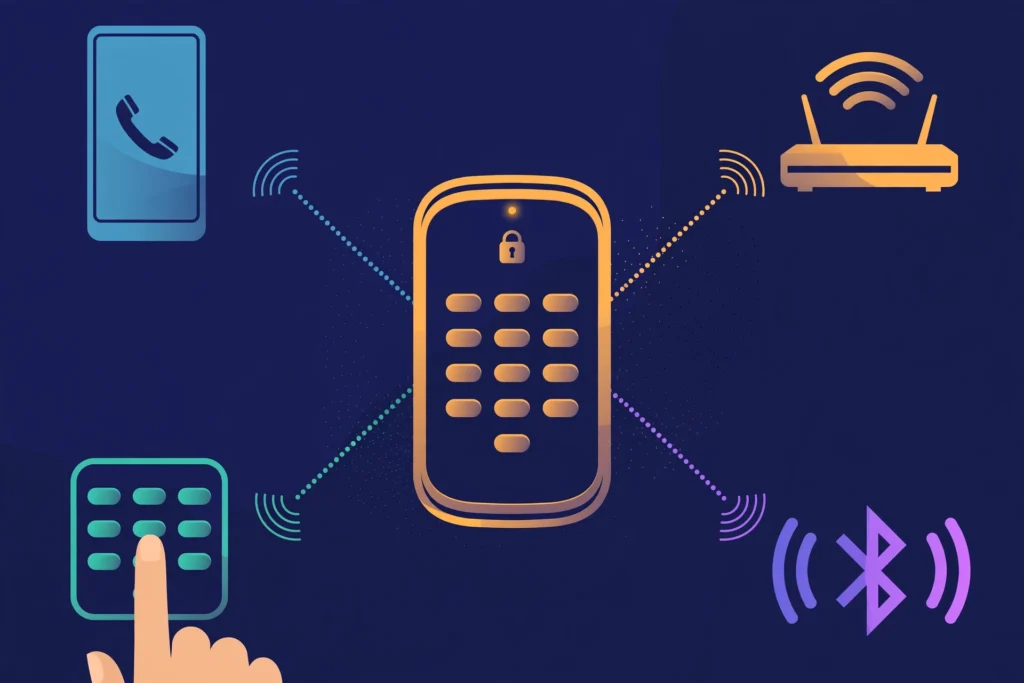
Not all “smart” locks are equally smart without Wi-Fi. It depends on which radio the lock uses to talk to your phone:
| Connection | Works without Wi-Fi? | Works without internet? | Remote access? | Battery life | Examples |
|---|---|---|---|---|---|
| Bluetooth | Yes | Yes (phone must be nearby) | No (unless paired with a hub/bridge) | Best (est. 6–12 months, mfr claims) | August Smart Lock 3rd gen (Bluetooth-only), Lockly Secure Plus (no hub) |
| Wi-Fi (built-in) | Yes for local unlock | Keypad/fingerprint yes; app control needs internet | Yes | Shortest (est. 3–6 months) | Schlage Encode Plus, Kwikset Halo |
| Z-Wave / Zigbee | Yes | Yes (through local hub) | Yes, if hub has internet | Good (est. 6–12 months) | Yale Assure Lock 2 (Z-Wave module), Schlage Connect |
| Thread / Matter | Yes | Yes (through border router) | Yes, if border router has internet | Good (est. 6–12 months) | Aqara U200, Nuki Smart Lock (Matter) |
The pattern: local unlocking never needs Wi-Fi. Nearly every mainstream smart lock accepts its PIN, fingerprint, or Bluetooth command with zero internet
(a few models need a one-time cloud connection during initial setup). Wi-Fi (or a hub) only adds the remote layer — doing things from anywhere.
What works during an internet outage
Your router dies. The neighborhood fiber goes down. Here’s what still works:
- Keypad codes — work normally. Codes are stored on the lock itself.
- Fingerprint unlock — works normally. Templates live on the lock.
- Bluetooth unlock — works normally, as long as your phone is within ~30 feet.
- Interior thumbturn — always works, obviously.
- Physical key (if the lock has a keyway) — always works.
What stops working:
- Remote lock/unlock from the app — no internet, no remote commands.
- Real-time notifications (“front door unlocked at 6:42 PM”) — these go through the cloud.
- Activity history — won’t update until the connection returns.
- Voice assistants (Alexa/Google/Siri) — cloud-dependent, dead during an outage.
- Auto-unlock via geofencing — needs your phone’s location services and the cloud; unreliable during outages.
- Temporary guest codes created remotely — codes already on the lock still work, but you can’t push new ones.
One lock owner put it well in testing: disconnecting the router changed nothing about getting through the front door — it only silenced the notifications. (Source: ofzenandcomputing.com biometric lock testing)

What works during a power outage
This surprises people: a power outage does not affect your smart lock at all. Smart locks run on internal batteries (usually 4 AA), not household electricity. The lock keeps working exactly as it does during an internet outage — keypad, fingerprint, Bluetooth, and thumbturn all fine.
The catch is everything around the lock:
– Your Wi-Fi router is dead (no backup power), so remote access is gone — same as an internet outage.
– If you have a Z-Wave/Zigbee hub on a UPS battery backup, local hub automations can keep running.
– Your phone still works on cellular, but the app can’t reach a lock whose bridge is unplugged.
Dead batteries are the real “outage” to plan for. Most locks warn you typically days to weeks ahead via the app (low-battery notifications) and with audible beeps. Many also have an emergency fallback:
– External 9V battery terminals under the keypad (touch a 9V battery to the contacts for one unlock cycle — enough to get inside and swap the AAs).
– USB-C emergency power port on some newer models.
Pro tip: put a battery-swap reminder in your calendar every 6 months rather than trusting the low-battery warning alone. Wi-Fi locks drain fastest (roughly 3–6 months per manufacturer claims); Bluetooth/Z-Wave locks often claim 6–12 months.

Simultaneous power + internet outage
This is a scenario few manufacturers document well, so here it is plainly: the lock itself doesn’t care. It’s battery-powered and stores everything locally. You unlock with your code or fingerprint exactly as always. The only things you lose are the cloud features (remote access, notifications, logs) — which were already gone the moment the internet dropped. The power outage adds nothing new on top for the lock itself.
Do you even need Wi-Fi? Picking the right lock
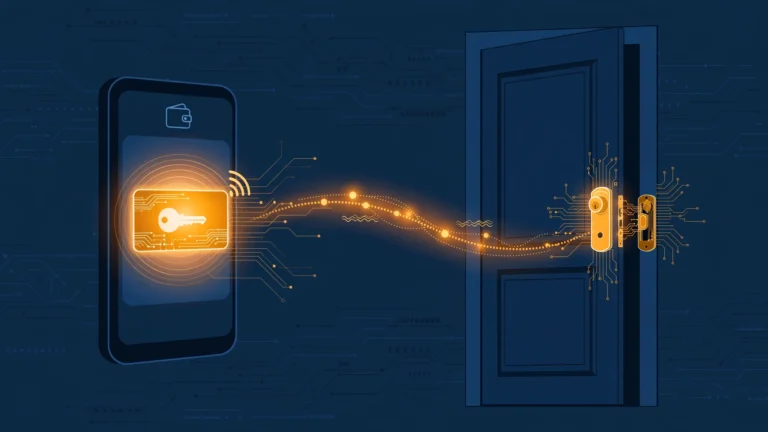
If your priority is maximum offline independence, the decision tree is simple — and it’s getting simpler: the new Aliro standard lets your phone’s wallet app act as the key with no cloud account at all:
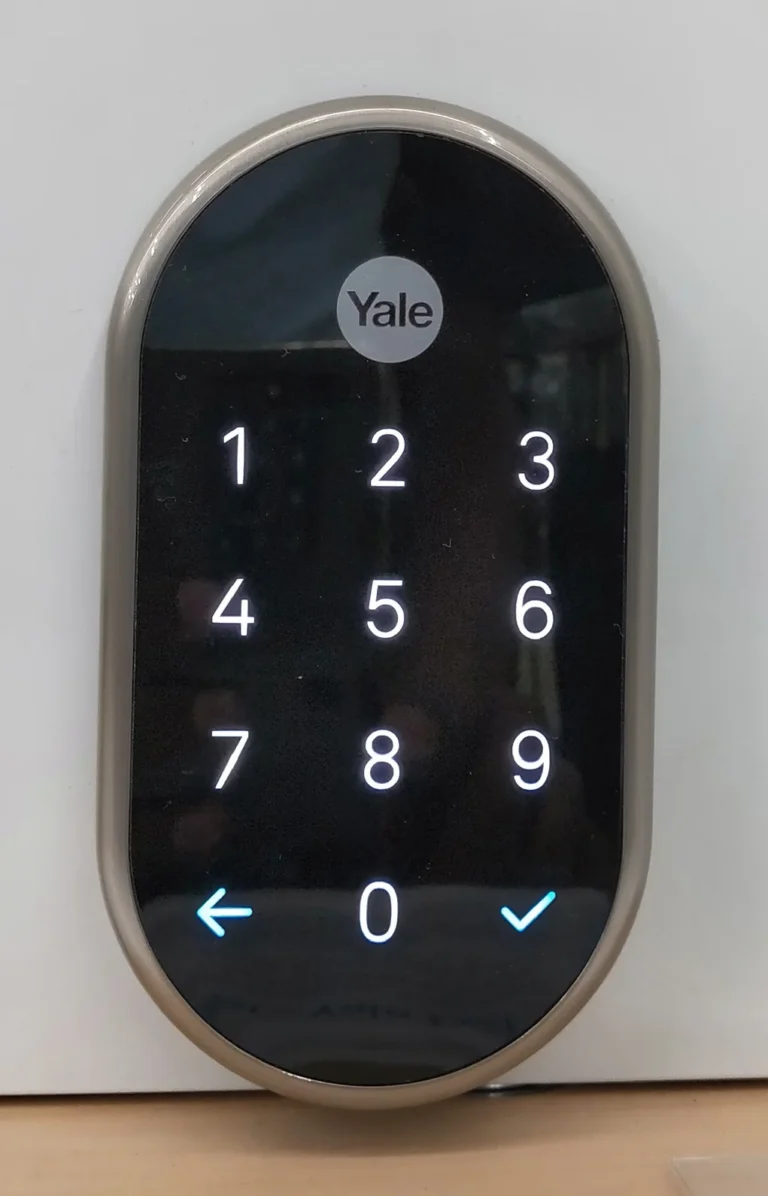
- Don’t need remote access at all? Get a Bluetooth-only lock. Better battery life, smaller attack surface, no cloud dependency. Example: (offline codes work with the internet disconnected).
- Want remote access but hate battery drain? Get a Bluetooth/Z-Wave lock plus a hub or Wi-Fi bridge. The lock sips power on Bluetooth; the plugged-in bridge handles the internet. Example: paired with its Connect bridge (retrofit, keeps your existing deadbolt). (Note: the newer August Wi-Fi Smart Lock 4th gen has Wi-Fi built in and needs no bridge — but that also makes it a power-hungry Wi-Fi lock, not a bridge-and-Bluetooth one.)
- Want everything in one device, no extras? Get a built-in Wi-Fi lock and accept 3-6 month battery life. Example: .
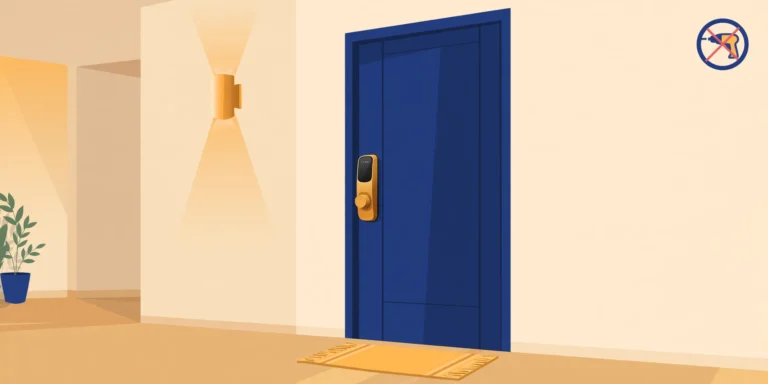
- Renter who can’t change the lock? Get a retrofit lock that clamps over your existing deadbolt’s interior thumbturn — no drilling, no new holes, landlord’s key still works from outside. Example: .
For the full renter-specific shortlist, see our guide to the best smart locks for renters (no drilling).
Frequently asked questions
Can someone hack my smart lock over Bluetooth?
No documented real-world break-ins via Bluetooth have been reported — theoretical BLE relay/sniffing attacks need close proximity (within ~30 feet) and specialized gear. Kicking the door in remains far easier and far more common. Use a strong keypad code and keep firmware updated; that’s 99% of it.
Do smart locks work with a dead phone battery?
Keypad and fingerprint, yes. Bluetooth unlock from the phone, no. This is why a lock with a keypad (not phone-only) is the safer pick — your phone dying shouldn’t lock you out.
Will my landlord’s key still work with a retrofit lock?
Yes. Retrofit locks (August, SwitchBot, Nuki) only replace the interior thumbturn. The exterior cylinder is untouched, so the existing key works exactly as before.
Sources
- ofzenandcomputing.com — biometric smart lock testing (offline codes verified)
- treasurevalleysolutions.com — how smart locks work (power/internet outage behavior)
Your next step
- How to Install a Smart Lock on a Metal/Steel Door (2026 Guide) — Ready to fit one? Follow the metal-door install guide.
- 5 No-Drill Smart Locks for Renters (2026): True Retrofits + One Replacement — Pick a lock: 5 no-drill options for renters.
- Do I Need a Hub for Matter Devices? (2026) — Understand where a hub fits into your lock’s connectivity.
Recent updates
- 28 September 2026 — Restructured with Key Takeaways, quick list and FAQ; re-verified specs and prices.
Why you can trust AbodeAlly
AbodeAlly is a research-based buying guide, not a test lab. We don’t run a warehouse of gadgets or a lab bench, so we never invent hands-on test results.
Every pick starts with manufacturer specifications and standards documents, cross-checked against reputable expert reviews and long-term owner feedback. We re-verify specs and prices on a regular update cadence, and each article carries a dated changelog so you can see exactly what changed and when.
Spot an error or an out-of-date price? Tell us and we’ll fix it — corrections are published openly, not buried.
AbodeAlly’s editorial team researches smart-home gear full time. We verify specifications against manufacturer and standards sources, cross-check reputable expert reviews and long-term owner feedback, and re-verify every guide on a regular cadence. We don’t run a test lab, so we never invent hands-on test results.


8 Comments