
Smart Bulb vs Smart Switch: Which Should You Buy in 2026?
Search “smart bulb vs smart switch” and you’ll find guest-post spam, thin affiliate roundups, and buying advice old enough to predate Matter. None of them answer the question the way a real household needs it answered — because the right choice has almost nothing to do with the technology and almost everything to do with where you live and who lives with you. This is the 2026 answer, built around the renter-vs-owner framing that actually decides it.
Here’s the short version of a long-tested truth: renters should almost always buy bulbs; owners should usually buy switches — and the interesting households buy a mix. The rest of this guide is the cost math, the edge cases, and the one trap (the wall switch that kills your smart bulb) that ruins more smart-lighting setups than any other mistake.
Key Takeaways
- The renter-vs-owner rule: renters can’t touch wiring, so bulbs win by default. Owners control whole rooms from one point, so switches usually win on cost and sanity.
- Cost math favors switches per room, bulbs per lamp. One ~$25 smart switch can control six ceiling bulbs; six color smart bulbs cost far more. But one $8–11 smart bulb in a single lamp beats any switch.
- The #1 setup killer: a smart bulb with its wall switch turned off is a dead bulb. If your household flips physical switches out of habit, switches (or switch covers) solve it.
- Wiring matters: most Wi-Fi smart switches need a neutral wire; older homes often lack one. Lutron Caséta and some Aqara/Leviton models work without it — at a higher price.
- Matter changed the compatibility question in 2026. Buy Matter-certified either way and the bulb-vs-switch choice stops being an ecosystem lock-in decision.
Disclosure: This article currently contains no affiliate links — it’s a buying guide written for clarity, not commissions. If that changes, we’ll say so.

The 30-second answer
A smart bulb replaces the bulb in your existing lamp or fixture: screw it in, connect it to your Wi-Fi or hub, and you get dimming, color, and scheduling per bulb — with zero wiring. A smart switch replaces the wall switch itself: it controls whatever dumb bulbs are already in the fixture, from the wall and from your phone, but installing one means touching mains wiring.
That installation difference is the whole debate. Bulbs are a five-minute, no-tools, landlord-proof upgrade. Switches are a fifteen-minute electrical job (or an electrician visit) that pays off by controlling entire rooms at once. Everything below is about which trade-off fits your home.
Head-to-head: smart bulb vs smart switch
| Smart bulb | Smart switch | |
|---|---|---|
| What you replace | The bulb — screws into any lamp or fixture | The wall switch — wired into the electrical box |
| Installation | ~5 minutes, no tools, no wiring | ~15–30 minutes; mains wiring (hire an electrician if unsure) |
| Renter-friendly? | Yes — take them when you move | Usually no — wired into the wall |
| Typical cost | ~$8–15 per bulb (budget white/color); ~$35–55 per premium color bulb | ~$20–30 per budget switch; ~$55–70 per premium dimmer (+ hub for some brands) |
| Controls | Each bulb individually — color, temperature, dimming per bulb | The whole fixture/circuit at once — every bulb on that switch together |
| Color light? | Yes — the main reason to choose bulbs | No — switches only dim or toggle the dumb bulbs already installed |
| Works when wall switch is off? | No — needs constant power; a flipped switch kills it | Yes — the switch is the power control |
| Guest/family-proof? | Fragile — anyone can flip the wall switch and “break” it | Excellent — works exactly like a normal switch |
| Neutral wire needed? | Never | Most Wi-Fi models yes; Lutron Caséta and select Aqara/Leviton models work without one |
| Best for | Renters, lamps, accent/color lighting, single-bulb upgrades | Owners, ceiling fixtures with multiple bulbs, hallways, whole-room control |
The real cost math (2026 prices)
Forget abstract advice — run the numbers for your actual rooms. Street prices below are typical US figures from 2026 deal coverage, and they move with sales, so treat them as planning ranges.
Scenario 1: a living room with 6 recessed ceiling bulbs. Six budget color bulbs at ~$8–11 each (TP-Link’s Kasa KL125 has sold as low as $8, per Gizmodo’s September 2026 deal coverage) runs roughly $50–65. Six Philips Hue White & Color bulbs — the premium pick, ~$80–110 per 3-pack on sale per PCWorld — runs $160–220 plus a ~$60 Hue Bridge for full features (per TechRadar). One TP-Link Kasa smart dimmer switch controlling all six existing dumb LEDs: ~$20–30 (single switches list in that range; 3-packs have sold around $25–33, per Slickdeals’ August 2026 thread). The switch wins this room by a landslide — one device, one install, every bulb obeys.
Scenario 2: a bedroom table lamp. One $8–11 Kasa color bulb, screwed in during a coffee break. A smart switch here would mean replacing a wall switch that may not even control the lamp’s outlet — pointless. The bulb wins outright.
Scenario 3: the premium switch route. Lutron Caséta dimmers run ~$55–60 per switch (per CompareManiac’s head-to-head), with Consumer Reports putting the range at $60–70 — plus the Lutron Smart Bridge hub for app and voice control. Aqara’s switches sit at $36–46 per switch plus an Aqara hub; Leviton Decora Smart at $40–50 (all per Consumer Reports). You’re paying for reliability and, in Lutron’s case, no-neutral-wire installation that works in old houses. Worth it for the five switches you touch daily; overkill for a closet.
The pattern: switches win per fixture, bulbs win per lamp. Count your fixtures, count your lamps, and the answer usually computes itself.
To keep tabs on running costs, a monitor can track every circuit’s usage.

When smart bulbs win
- You rent. This is the big one. Bulbs need no wiring, no landlord permission, and they move with you. Our best smart bulbs for renters roundup is built exactly for this — every pick works with no hub and no electrician.
- You want color or ambiance. Movie-night reds, focus-daylight whites, sunrise simulation — only bulbs do this. Switches can only dim whatever white the dumb bulb produces.
- Lamps, not fixtures. Floor lamps, table lamps, string lights, and any light not wired to a wall switch are bulb territory by definition.
- Per-bulb zones in one room. Reading lamp warm, desk lamp cool, shelf accent in color — bulbs give you three “rooms” inside one room.
- You’re testing the waters. One $8–11 bulb is the cheapest possible smart-home experiment. If you hate it, you’re out the cost of a sandwich.
- Holiday and party scenes. Color bulbs turn any room into a themed space in seconds — see our Halloween smart-home guide for 9 spooky setups using bulbs you already own.
When smart switches win
- Multi-bulb ceiling fixtures. Chandeliers, recessed can rows, vanity bars with four-plus bulbs — one switch beats four-plus smart bulbs on price and on keeping them in sync.
- Other people live in your house. Guests, kids, in-laws, and house-sitters all know how to use a wall switch. Nobody knows why the living-room lights “stopped working” (someone flipped the switch and killed your smart bulbs). Switches behave like switches — that’s a feature, not a limitation.
- Hallways, staircases, and 3-way setups. Lights controlled from two switches are a natural switch job; replicating that with bulbs means buying bulbs and battery remotes and hoping nobody touches the originals.
- You own and you’re doing several rooms. Five $25 switches ($125) automating five rooms beats fifteen smart bulbs on both cost and maintenance — one firmware ecosystem, one point of failure per room instead of fifteen.
The trap: “someone turned off the switch”
This deserves its own section because it ends more smart-lighting projects than any other issue. A smart bulb is a tiny computer that needs constant power. The wall switch on your wall cuts that power. So the moment anyone flips the switch out of habit — and they will — your $11 smart bulb becomes a very dumb dark bulb, unreachable by app, voice, or automation until someone flips it back.
Your options, honest assessment included:
- Switch covers/guards — cheap plastic covers that keep the switch permanently on. Ugly but effective; fine for a rental bedroom, embarrassing in a living room.
- Battery-powered remotes mounted over or beside the switch (the Philips Hue Dimmer Switch remote is the classic example) — gives the household a familiar “switch” that talks to the bulbs instead of cutting their power.
- Smart switches in “smart bulb mode” — some smart switches can be configured to keep power flowing to the bulbs at all times while the paddle sends software commands instead. Best of both worlds, but it costs switch money plus bulb money.
- Just use smart switches — for rooms where this fight keeps happening, the switch was the right answer all along.
The hybrid setup (what experienced homes actually do)
Walk through a well-automated home and you’ll rarely find a purist. The pattern that survives contact with real families:
- Switches on high-traffic wired circuits: kitchen cans, hallway, bathroom, porch.
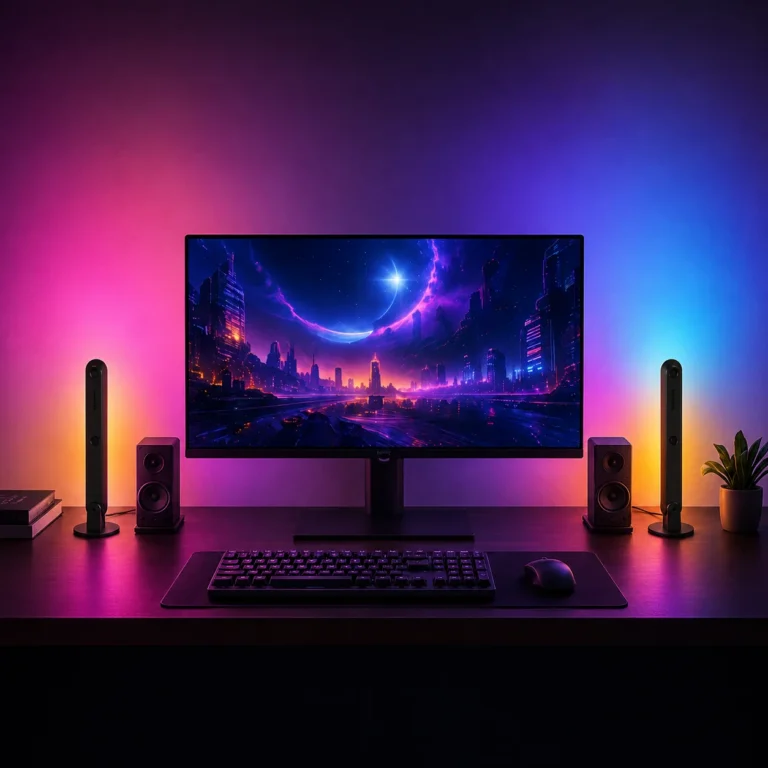
- Bulbs in lamps and accent spots: bedside, desk, shelves, media wall bias lighting.
- Color bulbs only where color earns its keep — most rooms live happily in tunable white.
This is also the cheapest path to start: automate the two rooms you use most with whichever device fits each, live with it for a month, then expand. Smart lighting is one of the few upgrades where starting small teaches you more than any guide can.
Renter vs owner: the decision guide
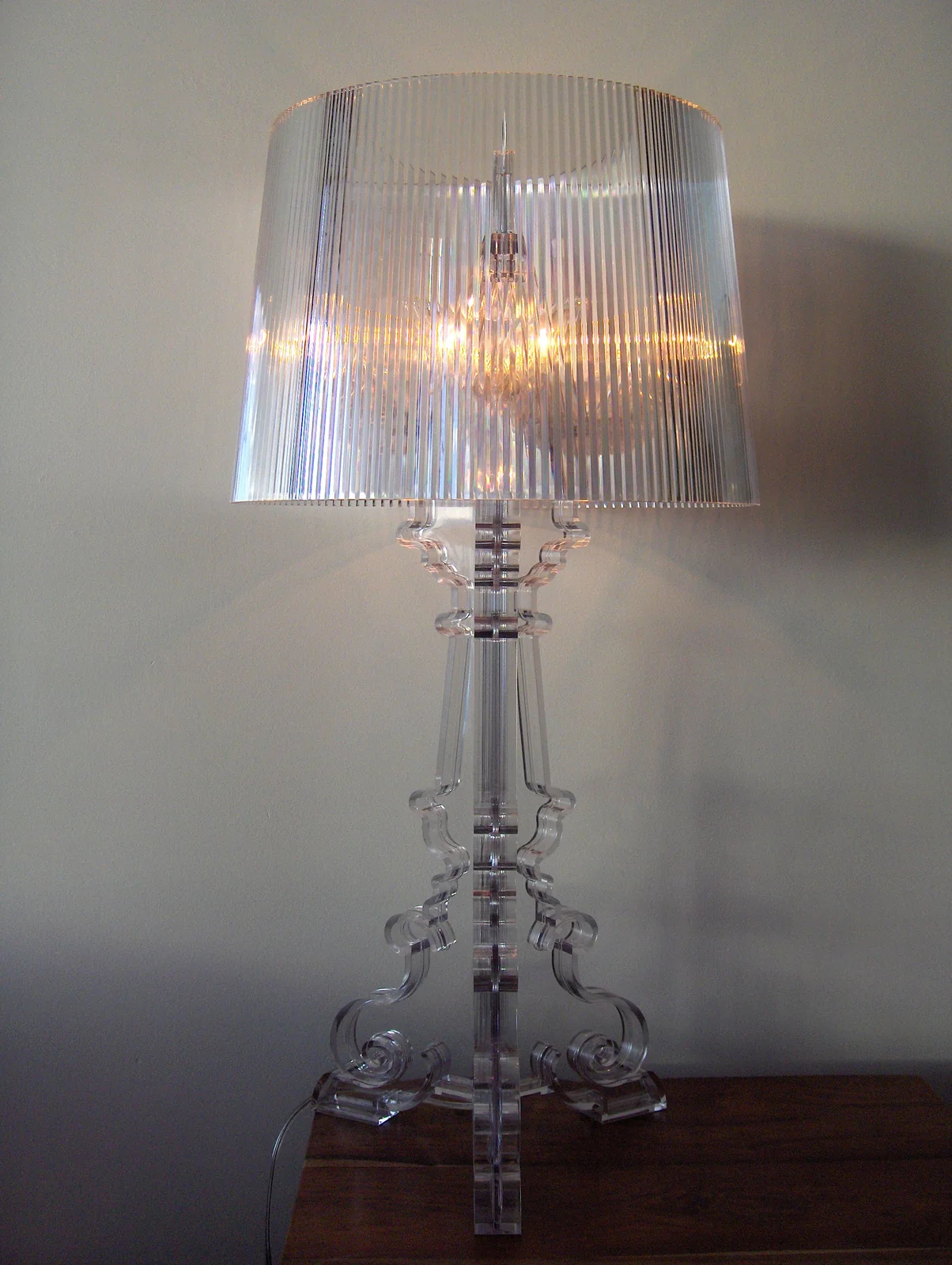
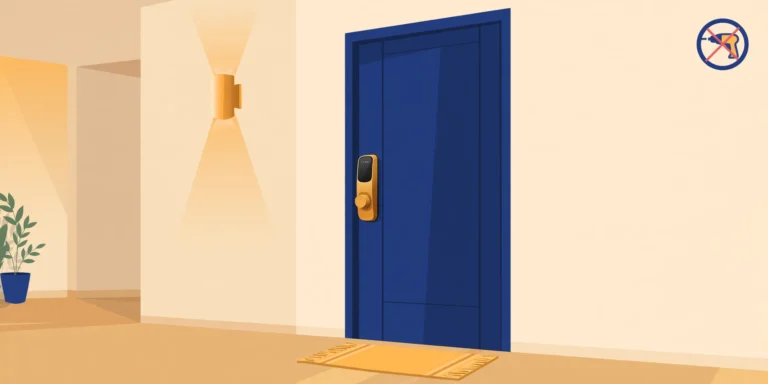
Renters: buy bulbs. Full stop. You can’t (and shouldn’t) open the electrical box in a place you don’t own, and bulbs deliver 90% of the smart-lighting experience — scheduling, voice, color, away-mode — with zero risk to your deposit. Start with our no-hub renter bulb picks, add a battery remote or two for the wall-switch problem, and you’re done.
Owners: default to switches for wired rooms, bulbs for lamps. Before buying switches, check one thing — do your switch boxes have a neutral wire? Most budget Wi-Fi switches (TP-Link Kasa and similar) require one; many pre-1980s US homes don’t have neutrals in every box. No neutral? Your options are Lutron Caséta (designed to work without one, per Lutron), Aqara’s no-neutral models (need the Aqara hub), or Leviton’s no-neutral hub models (per Consumer Reports) — all pricier than the $20–30 Kasa tier. If even that sounds like too much electrical work, there’s no shame in the all-bulb route; it just costs more per room.
Unsure about wiring? Kill the breaker, pull the switch plate, and look — or better, have an electrician do a 10-minute check during any other visit. It’s the single most useful fact for planning a switch rollout, and guessing wrong means returns.
For window coverings beyond lighting, see automated shutters and smart blinds guide.
The Matter-era footnote (2026)
One thing the stale page-1 guides can’t tell you: in 2026, the ecosystem question mostly evaporated. Matter-certified bulbs and switches now work across Apple Home, Alexa, Google Home, and SmartThings — TP-Link even sells a Matter dimmer 3-pack that was down to $38 in 2026 deal coverage (per DealNews). So choose on the merits above — room type, wiring, household habits — not on which voice assistant you own. If the Matter-vs-platform relationship still confuses you, our Matter vs HomeKit explainer untangles it, and what Matter actually is covers the standard itself.
Honest caveats
- Prices move. Every figure above is a typical 2026 street price from deal coverage, not a quote — sales routinely cut 20–40% off, especially around Prime events and Black Friday. Never pay full price for lighting if you can wait a month.
- Wi-Fi device count matters. A house full of Wi-Fi bulbs and switches can strain a basic router — budget switches and bulbs are almost all 2.4 GHz-only. If you’re past ~20 Wi-Fi smart devices, a hub-based system (Zigbee/Z-Wave/Thread via Matter) keeps things stable. Our hub guide walks through when that matters.
- Dimming compatibility isn’t automatic. A smart dimmer switch paired with non-dimmable dumb LEDs will flicker or buzz. Check the bulb’s dimmable rating before blaming the switch.
- Don’t mix control of the same fixture. A smart bulb and a smart dimmer on the same circuit fight each other — pick one control point per fixture.
FAQ
Can I use smart bulbs with a smart switch?
Only carefully. A standard smart switch cuts power like any switch, which defeats the bulb. The workable combos: a smart switch set to “smart bulb mode” (keeps power flowing, paddle sends software commands), or a smart switch left permanently on with control via app/voice. Never put a smart dimmer in series with a smart bulb — double dimming causes flicker.
Do smart switches need a neutral wire?
Most budget Wi-Fi switches (TP-Link Kasa and similar) do — and many older homes lack neutrals in the switch box. Exceptions exist: Lutron Caséta is engineered to work without a neutral, and Aqara and Leviton both sell no-neutral models that pair with their hubs (per Consumer Reports). Check your box before you buy.
I’m renting — bulbs or switches?
Bulbs. No wiring, no landlord approval, and they move with you. Pair them with a battery-powered remote for the rooms where people keep flipping the wall switch. See our renter bulb roundup for no-hub picks.
Do smart bulbs work when the wall switch is off?
No. The bulb needs constant power to stay connected; a switched-off wall switch cuts it completely — no app, voice, or schedule control until it’s flipped back on. This is the most common smart-lighting frustration, and it’s why switch covers, battery remotes, or smart switches exist.
Which is cheaper for a whole house?
Switches, in most owner-occupied homes — one $20–30 switch automates every bulb on its circuit, while outfitting the same room with color bulbs costs several times more. The exception is lamp-heavy rooms and rentals, where individual bulbs are cheaper and the only practical option. Count fixtures vs. lamps room by room and the math decides for you. For the running-cost side of that equation, see our full breakdown of which devices actually save energy.
Sources
- Gizmodo (Sep 2026): TP-Link Kasa KL125 color bulb at $8 — no hub required
- PCWorld (Dec 2025): Philips Hue White & Color 3-pack at $80 (normally $110)
- TechRadar: Philips Hue White and Color Ambiance 3-pack pricing; Hue Bridge at $59.95
- Android Central: Philips Hue White A19 around $14–15 per bulb
- CompareManiac: Lutron Caséta vs TP-Link Kasa — $55–60 vs $20–30 per switch; neutral-wire and hub requirements
- Consumer Reports: Lutron Caséta reliability; Aqara $36–46 and Leviton $40–50 switch pricing; no-neutral options
- DealNews (2026): Kasa Matter Smart Dimmer Switch 3-pack at $38 — Matter-certified dimmers going mainstream
- SlickDeals (Aug 25, 2026): Kasa Smart Light Switch 3-pack around $25–33
We’ll update this as 2026 holiday pricing lands and as more Matter-certified switches reach shelves.

5 Comments